Your personal AI, beyond the screen
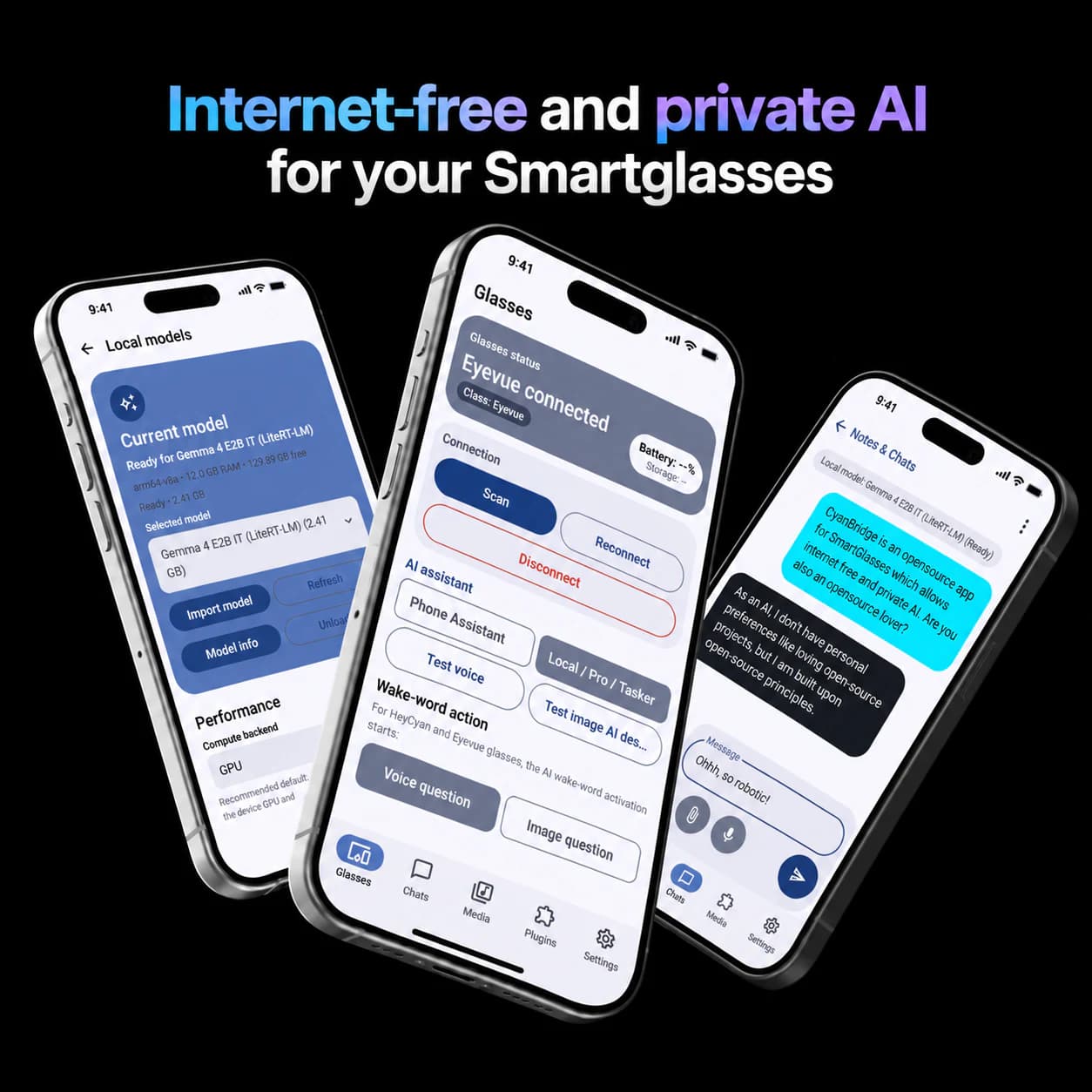
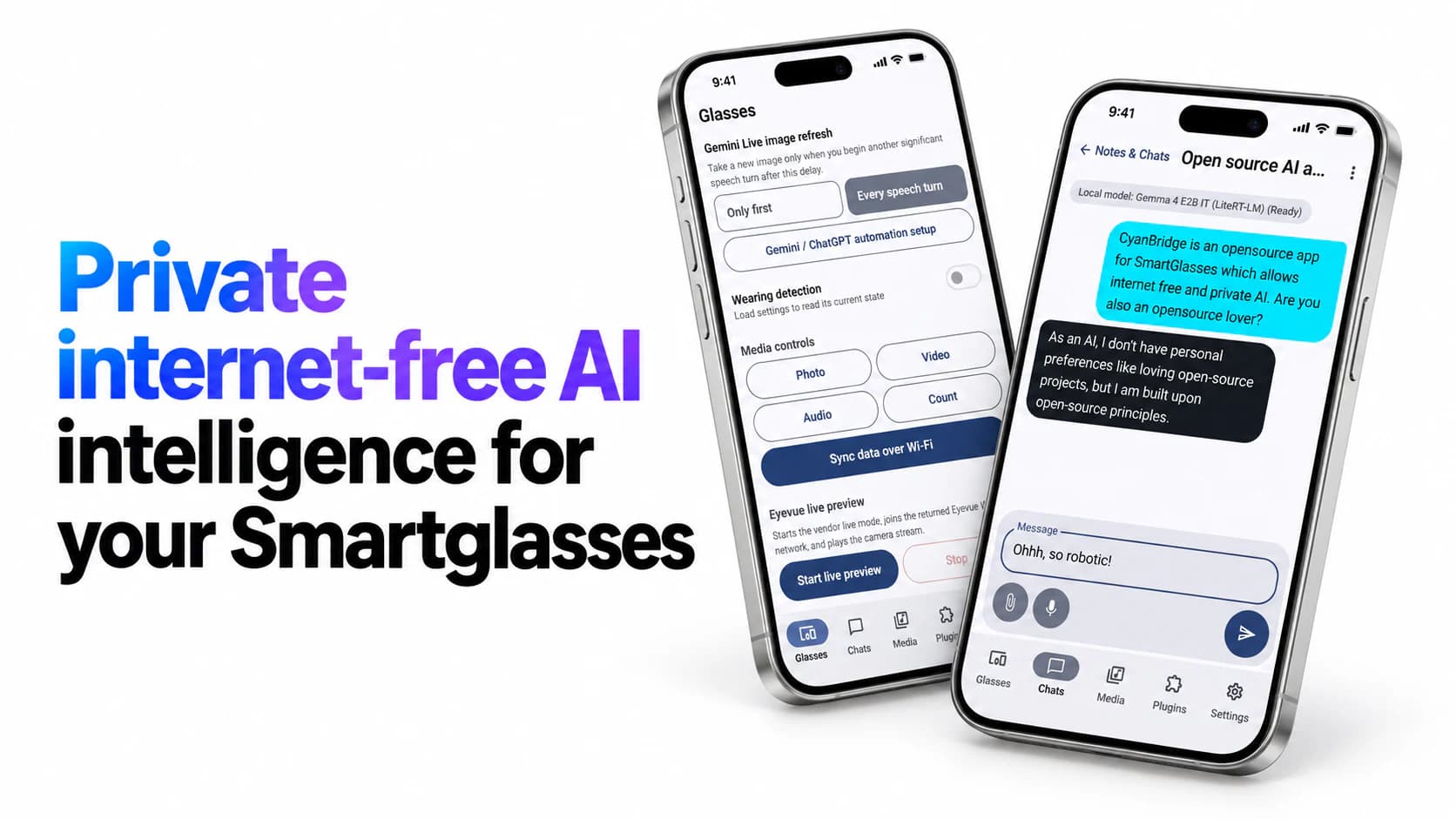
CyanBridge connects the smart glasses you use with a local-first desktop studio. Build private datasets from your own history, fine-tune and run models, then supervise coding agents from wherever you are.
One mobile bridge
HeyCyan, audio glasses, Meta Ray-Ban, and MemoMind workflows
Personal Model Studio
Turn your exports into a dataset you control
Local-first
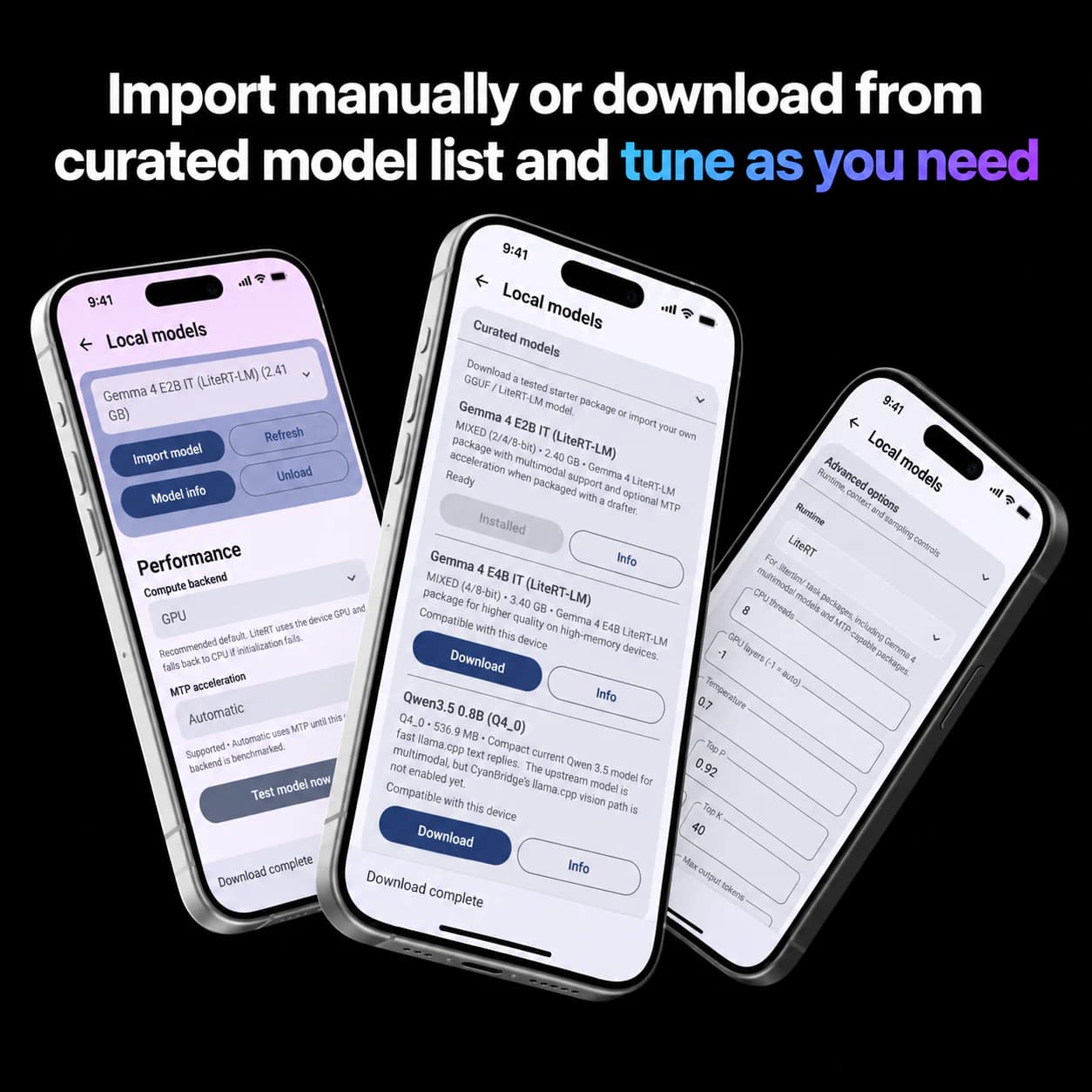
Inspect, filter, train, and run models on your machine
Open source
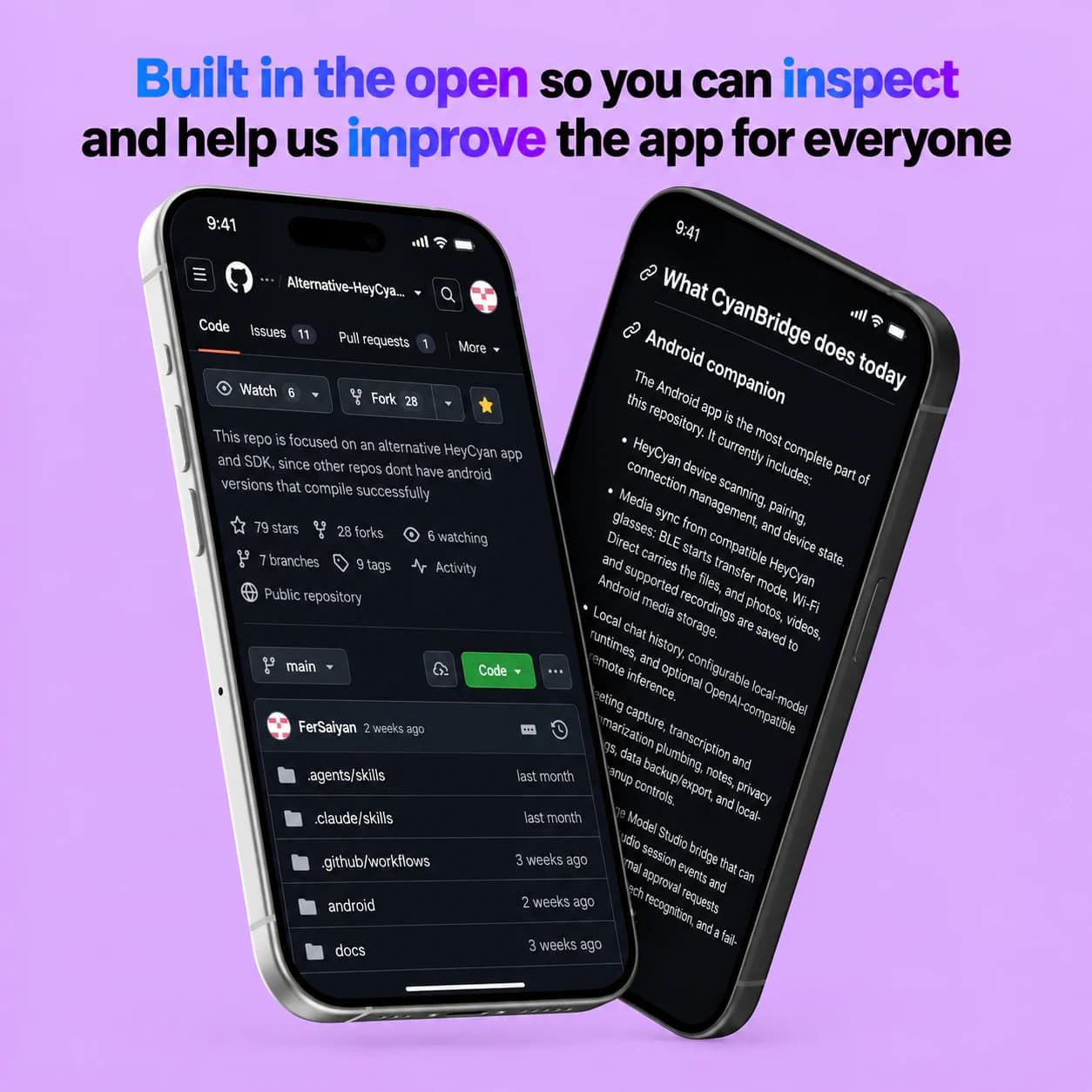
Mobile and desktop code are available for audit
THE CYANBRIDGE LOOP
A personal AI workflow that starts with your devices
How CyanBridge works
- Bridge the glasses you already use - Use one Android companion for HeyCyan, regular audio glasses, Meta Ray-Ban, and MemoMind workflows.
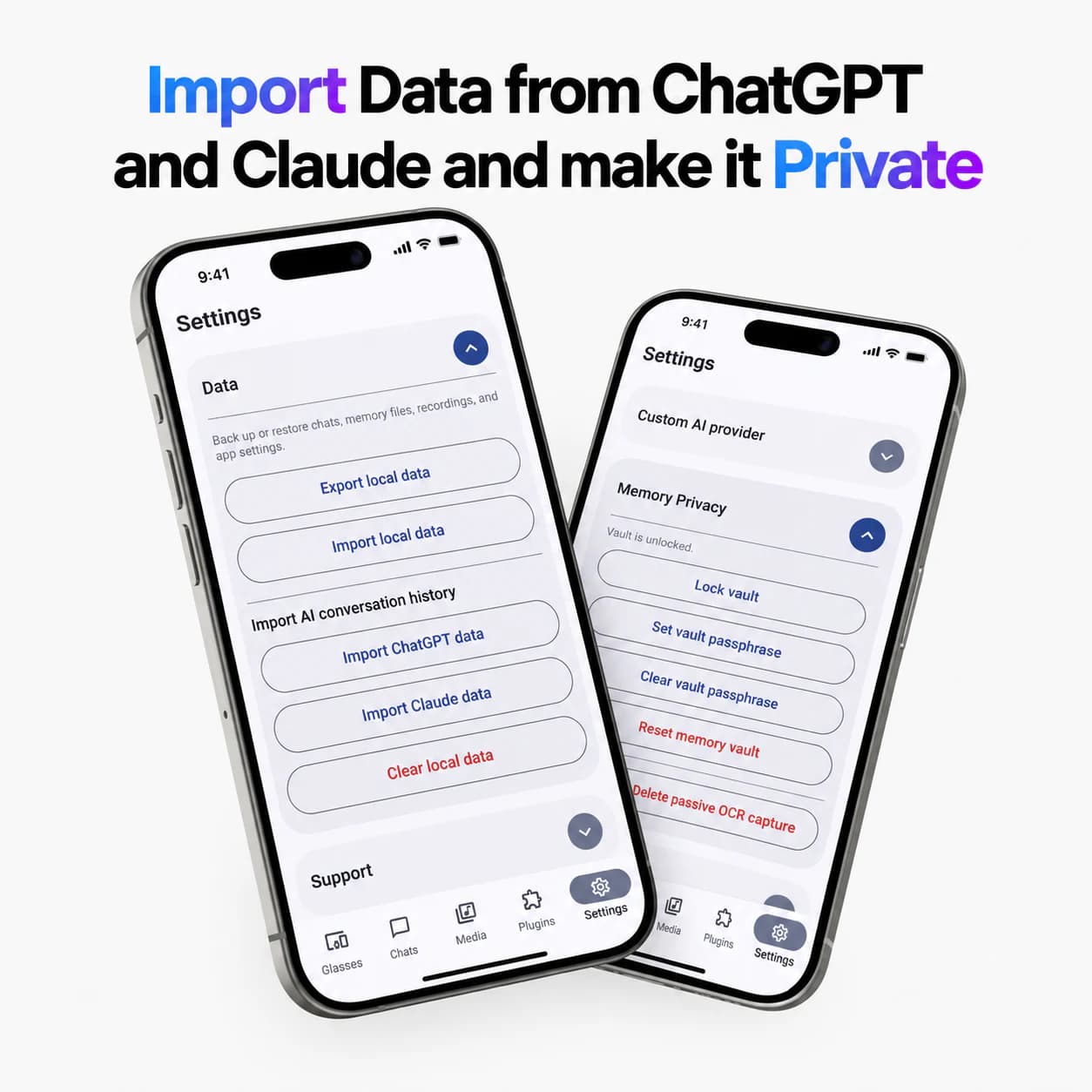
- Build a dataset you can inspect - Import selected personal exports, preview them, and apply privacy filters before training.
- Fine-tune locally or use cloud compute - Keep training local by default or explicitly launch a paid cloud job with a quote and spending cap.
- Keep agents working while you step away - Receive coding-session updates and give explicit directions from your glasses.
MOBILE
Bridge the glasses you already use
Use one Android companion for HeyCyan, regular audio glasses, Meta Ray-Ban, and MemoMind workflows. Available capabilities depend on each device and integration.
DATA
Build a dataset you can inspect
Import selected WhatsApp, ChatGPT, Google Takeout, CyanBridge exports, OpenCode, Claude Code, and Codex history. Preview, filter, and redact before training.
MODEL
Fine-tune locally or use cloud compute
Train and run models on your own hardware by default. When local compute is not enough, launch an opt-in paid cloud fine-tuning or inference job with a quote and spending cap.
SUPERVISION
Keep agents working while you step away
Run managed coding sessions from Studio, receive status updates on your glasses, and give explicit approval or next directions without staying at the PC.
PRICING
Mobile inference plans
Monthly plans cover managed inference through the CyanBridge mobile companion. Model Studio cloud fine-tuning and hosted inference are optional, separately quoted services with a budget reservation and hard cap before launch.
Cheap
$1/month
For trying the CyanBridge mobile companion and occasional requests.
Included
- ✓Managed cloud inference for mobile requests
- ✓3.5M reference tokens per month
- ✓Standard billing support
Standard
$5/month
Recommended for everyday hands-free prompts, updates, and mobile workflows.
Included
- ✓Curated models for the CyanBridge mobile companion
- ✓18.5M reference tokens per month
- ✓Priority billing and access support
Max
$20/month
For frequent mobile use and higher-volume agent updates.
Included
- ✓Highest mobile inference quota
- ✓74M reference tokens per month
- ✓Priority support and faster scaling
Model Studio cloud compute
Fine-tune and run models locally whenever you can. If you choose a paid cloud training or inference job, Studio shows the estimate, reserves your stated budget, and applies a hard spending cap before the job starts.
LOCAL-FIRST WORKFLOW
From personal context to an AI you can take with you
Step 01
Bridge your devices
Start with the CyanBridge mobile companion and the glasses you already own, from generic HeyCyan and audio glasses to Meta Ray-Ban and MemoMind workflows.
Step 02
Choose your source material
Bring selected chat exports, Google Takeout data, coding-agent sessions, or CyanBridge mobile exports into Model Studio. You decide what to include.
Step 03
Shape, fine-tune, and serve
Review and filter source data, create a personal training dataset, then fine-tune and run a local model or choose optional paid cloud compute.
Step 04
Supervise from your glasses
Let supported coding-agent sessions work in the background while CyanBridge sends progress, approval prompts, and next-step requests to your mobile companion.
PRIVACY AND CONTROL
Personal data deserves a verifiable AI workflow
Keep the sensitive work local, inspect the code yourself, and choose managed cloud compute only when it is useful to you.
Local-first by default
Raw exports, privacy filters, dataset previews, local training, and local inference stay on your machine unless you explicitly choose a cloud job.
Open source by design
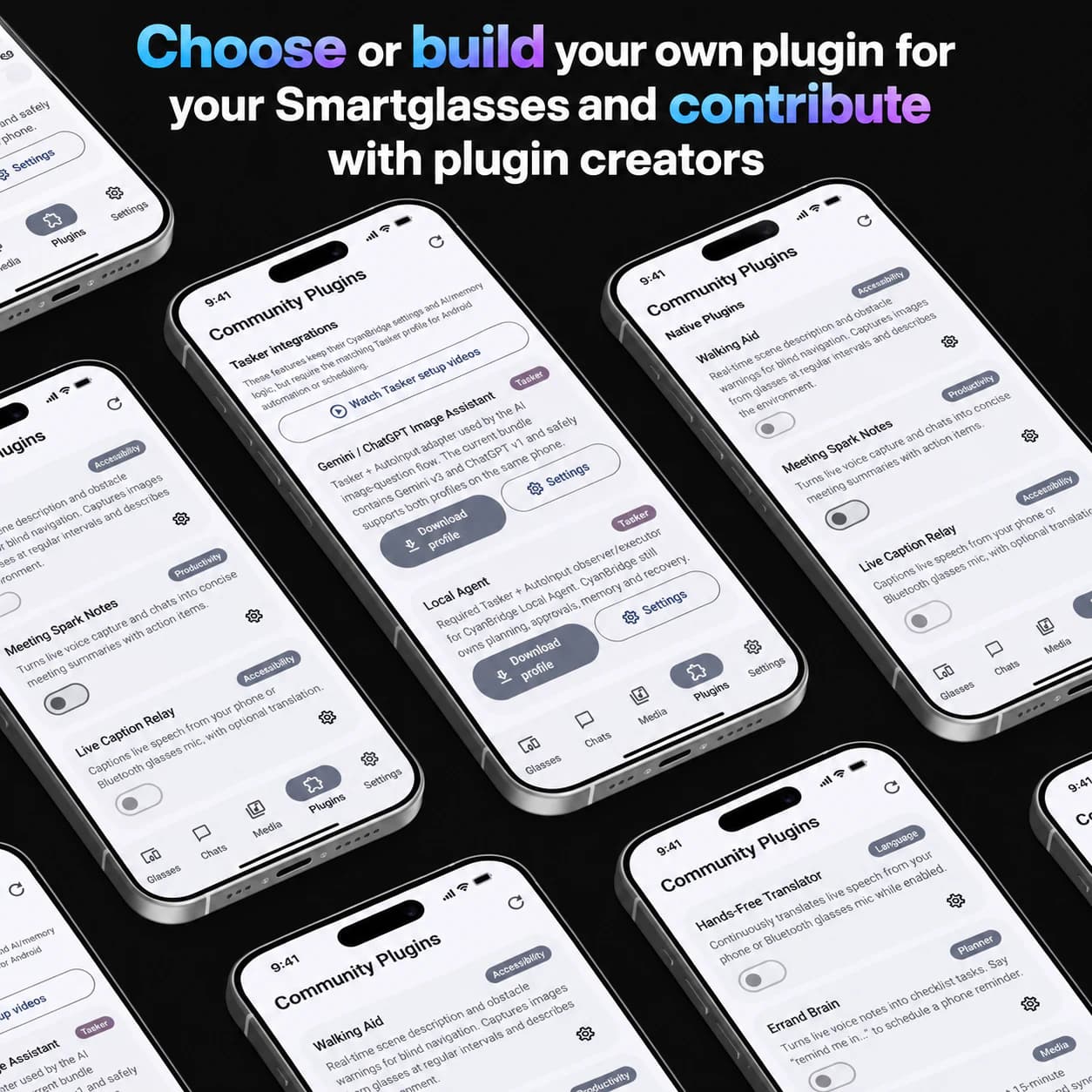
Both the mobile companion and CyanBridge Model Studio are open source, so you can inspect how your data is imported, handled, and served.
Cloud only by consent
Paid remote fine-tuning and inference are optional. Review the job quote, budget reservation, and spending cap before anything is launched.
Multi-brand, not locked in
CyanBridge is built to bridge different smart-glasses ecosystems instead of forcing your personal AI workflow into a single hardware brand.
USE CASES
Built for people who want to own their context
Mobile, desktop, and model workflows that keep the user in control.
Turn selected conversations, notes, exports, and mobile history into a personal dataset without handing over every raw file by default.
People with personal archives
WhatsApp, ChatGPT, Google Takeout, and CyanBridge exports
Run local models and managed coding sessions while status updates and approval requests follow you through your glasses.
Developers away from the desk
OpenCode, Claude Code, Codex, and local model workflows
Keep one personal AI workflow as you move between generic HeyCyan, audio glasses, Meta Ray-Ban, and MemoMind devices.
Multi-brand smart-glasses users
Voice-first prompts, updates, and explicit approvals
Ready to start
Ready to build an AI that knows your context?
Start with the mobile companion or Model Studio. Keep your data local, inspect the code, and choose cloud compute only when it makes sense.
Frequently asked questions
Questions about the mobile bridge, Model Studio, privacy, and optional cloud compute.